

Key Takeaways
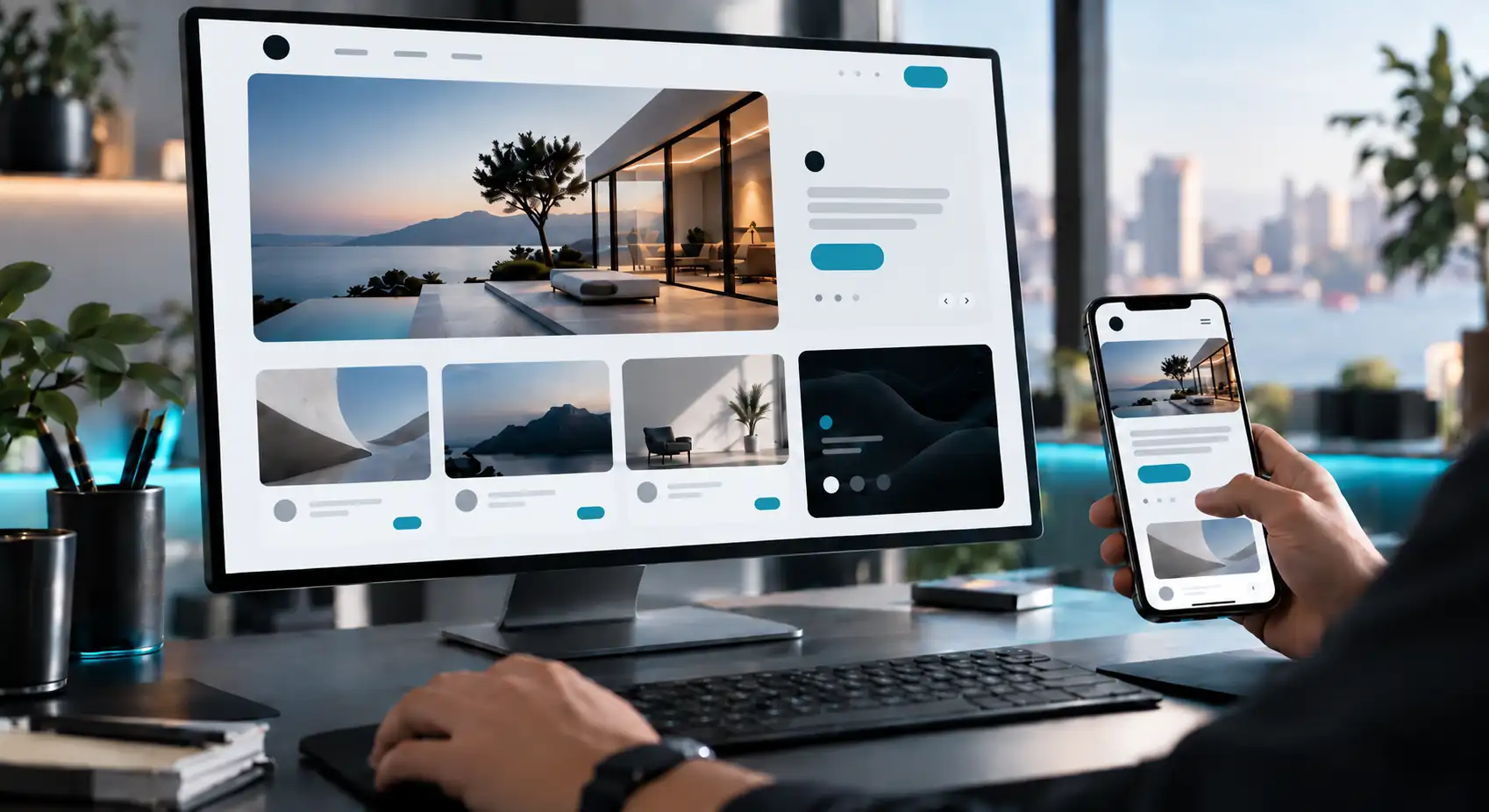
- Website design trends are most useful when they improve how easily visitors can understand, navigate and interact with a website.
- AI-powered personalisation can make experiences more adaptive, but agencies should consider relevance, privacy and usability before implementing it.
- Immersive elements, animation and microinteractions should support a clear user task rather than exist only for visual impact.
- Navigation experiments should not make important pages, services or actions harder to find.
- Accessibility, responsive design and website performance should be treated as core user-experience considerations rather than optional visual trends.
- Agencies should evaluate every design trend against the client’s audience, website purpose, brand consistency, mobile experience and maintainability.
- A newer design approach is not automatically a better one; testing and practical user needs should guide implementation.
Website design trends can change more than how a website looks.
They can influence how quickly visitors understand a page, where they look first, how easily they move between sections, and whether an interaction feels clear or frustrating.
For digital marketing agencies and SEO professionals managing client websites, the useful question is not simply whether a design trend looks modern.
The more practical question is whether it supports the user journey without creating unnecessary complexity.
AI-assisted personalisation, immersive interfaces, experimental navigation, motion, accessibility-focused design, performance-conscious layouts and responsive experiences can all affect how people interact with a website.
Their value, however, depends on the audience, the purpose of the website and how carefully each approach is implemented.
This article examines eight areas of website design trends from a user-experience perspective, with a focus on what agencies and marketing teams should consider before applying them to client websites.
What Website Design Trends Are Changing User Experience?
A website design trend becomes relevant to user experience when it changes how people find information, understand content, complete an action or move through a website.
For agencies managing client websites, this distinction matters.
A visually fashionable feature may attract attention, but that does not automatically make the website easier to use.
Design decisions still need to support the visitor’s purpose.
A useful way to assess a design direction is to ask three questions:
- Does it make the next action clearer?
- Does it reduce or add friction?
- Does it work for the client’s actual audience and devices?
This approach helps teams separate meaningful UX improvements from changes made mainly for visual novelty.
What Makes a Design Trend Useful Rather Than Merely Fashionable?
A useful design trend solves or supports a specific user need.
It might make navigation clearer, provide better feedback after an action, adapt information to a visitor’s context or improve how content works across different screen sizes.
A fashionable treatment can still be appropriate, but agencies should be able to explain why it belongs on the website.
For example, a dramatic animation may suit a creative portfolio where visual presentation is part of the experience.
The same animation could become unnecessary friction on a service website where visitors mainly want a phone number, quotation form or service description.
The correct choice therefore depends on the website rather than the trend alone.
1. How Can AI-Powered Design Create More Personal Experiences?
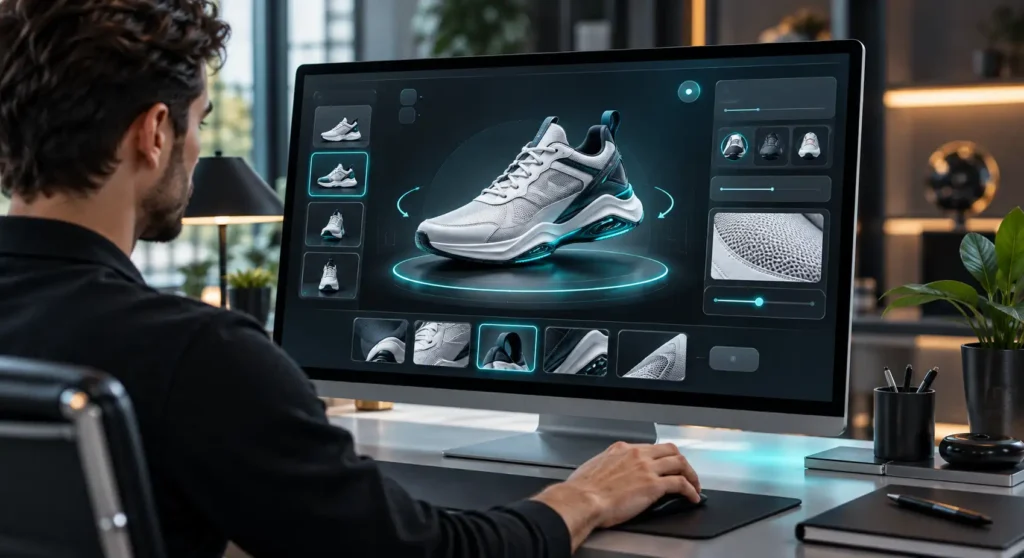
AI-assisted website experiences can be used to change what information a user sees or how the interface responds to an interaction.
Examples may include conversational assistants, dynamically selected content, product or service suggestions, and interfaces that respond differently according to user behaviour or context.
For agencies, the key UX question is not whether AI is present.
It is whether the AI-enabled feature helps a visitor complete a useful task.
Where Can Personalisation Help the User Journey?
Personalisation can be useful when a website serves different types of visitors with clearly different needs.
For example, a business serving several customer segments might surface different information according to the service or location a visitor selects.
An interactive assistant could also help a user narrow down a large amount of information.
However, personalisation should not hide essential information or make the website unpredictable.
Visitors should still be able to understand:
- where they are;
- why particular information is being shown;
- how to access other information;
- how to continue without using the personalised feature.
When Can Personalisation Become Distracting or Intrusive?
More personalisation does not automatically mean better UX.
Problems can arise when a website changes too aggressively, interrupts users repeatedly or makes assumptions that do not match their intentions.
Marketing teams should therefore assess whether personalisation genuinely reduces effort for the visitor.
Privacy and data-handling considerations should also be reviewed separately where personal or behavioural data is involved.
2. How Can Immersive Design Make Websites More Interactive?
Immersive design can include interactive visual elements, three-dimensional presentations, scrolling effects, animated storytelling and interfaces that respond to user movement or input.
These techniques can be useful when interaction helps explain something that would otherwise be difficult to communicate.
A property website, for instance, might use an interactive view to help visitors understand a space.
A product website could allow users to examine an item from several perspectives.
The interaction has a clear purpose in both examples.
When Does Interaction Add Genuine User Value?
Interaction is most useful when it helps users:
- understand a product or service;
- compare options;
- follow a process;
- discover additional information;
- receive clear feedback from an action.
Agencies can therefore ask whether removing the interactive element would make the information harder to understand.
If the answer is no, the feature may be primarily decorative.
When Can Immersive Design Become Too Much?
Rich visual experiences can also introduce complexity.
Large visual assets, elaborate transitions or unusual controls may compete with important content.
The design may look impressive while making a simple task harder than necessary.
The practical objective should be to make the interaction serve the content rather than requiring visitors to learn how the website itself works.
3. How Are Navigation Trends Changing the User Journey?
Navigation determines how easily a visitor can move from one piece of information to another.
Designers can experiment with menus, page transitions, contextual links and alternative ways of exploring content.
However, navigation is an area where novelty needs particularly careful testing.
A visitor who cannot find a service, contact page or important next step is unlikely to care that the menu is visually distinctive.
Should Every Website Use Experimental Navigation?
No. The choice should depend on the website’s purpose and audience.
Experimental navigation may be appropriate when exploration itself is part of the experience.
A creative portfolio, campaign microsite or interactive editorial project may have more freedom than a service website where users arrive with a specific task.
Business websites commonly need visitors to identify key information quickly.
Agencies should therefore be cautious about replacing familiar navigation patterns without a clear reason.
How Can Agencies Keep Navigation Predictable?
Useful checks include:
- Are important sections easy to identify?
- Does the menu terminology match the language customers use?
- Can visitors return to major sections without starting again?
- Is the current page or section clear?
- Does navigation remain understandable on mobile devices?
- Are important actions available without excessive searching?
Predictability is not the enemy of creativity.
It gives visitors enough orientation to appreciate creative elements without becoming lost.
4. How Are Motion and Microinteractions Changing Website Interaction?
Motion can communicate that something has changed.
A button may respond after it is pressed. A form can show whether an entry has been accepted.
A menu can reveal additional options.
A loading indicator can tell the visitor that a process is still running.
These small responses are commonly called microinteractions.
Their value comes from communication rather than decoration.
When Does Motion Help Users Understand an Interface?
Motion can help when it answers an immediate user question.
For example:
- Did my click work?
- Has this item been selected?
- Where did this panel come from?
- Is the website still processing my request?
- What should I look at next?
Used carefully, animation can make a change in the interface easier to understand.
When Does Animation Become a Distraction?
Animation becomes less useful when it delays access to information, repeatedly pulls attention away from the user’s task or makes basic navigation dependent on effects.
Agencies should also consider visitors who prefer reduced motion or find excessive movement uncomfortable.
The objective should be functional feedback first and visual spectacle second.
5. Why Are Some Websites Becoming More Human-Centred?
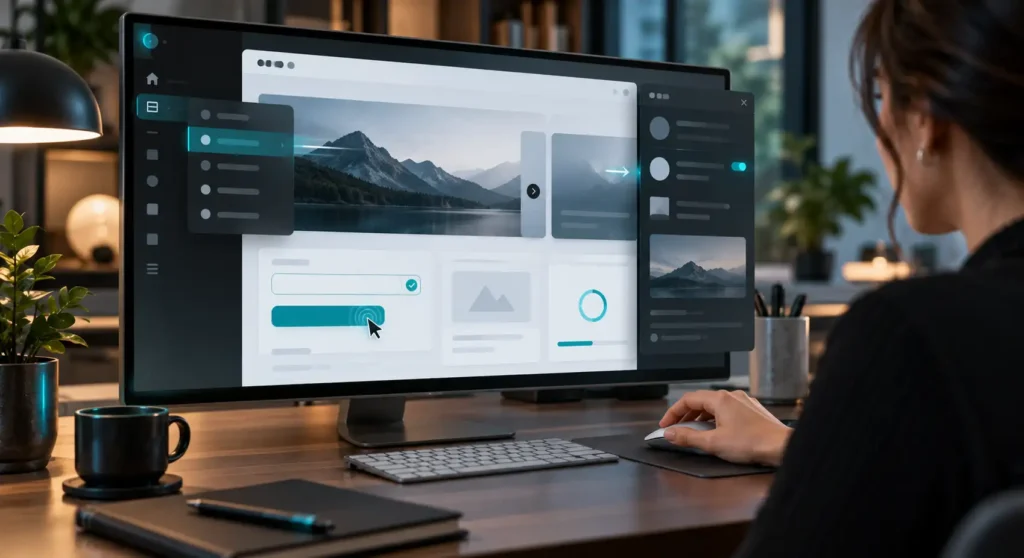
A human-centred website does not have to look informal.
The idea is to design around the people using it rather than around a visual trend alone.
This can involve clearer language, distinctive brand elements, illustrations, photography, typography and layouts that reflect the character of the organisation.
For marketing teams, this can be particularly relevant when many competitors use similar templates and visual patterns.
Can Visual Personality Improve Brand Recognition?
Distinctive visual choices can help a website feel connected to the organisation behind it.
However, brand personality should not interfere with comprehension.
A unique typeface, unusual colour treatment or unconventional layout still needs to allow visitors to read, navigate and act comfortably.
For agencies, the goal is not simply to make every client website look different.
It is to make the design appropriately recognisable while preserving usability.
How Much Visual Experimentation Is Appropriate?
The answer depends on context.
A design studio may deliberately push visual conventions because creative expression is part of what it sells.
A medical, professional or local service website may need a more restrained approach because visitors are primarily trying to evaluate information and complete practical tasks.
Client objectives should determine how much experimentation is appropriate.
6. How Can Accessibility-Focused Design Improve Usability?
Accessibility-focused design asks whether people with different abilities, devices and ways of interacting can still use the website effectively.
Practical considerations can include readable text, sufficient visual contrast, descriptive labels, logical navigation, keyboard usability and alternatives to interactions that depend on a single input method.
Accessibility should not be treated merely as a visual style.
It is a design consideration that can influence decisions from the beginning of a project.
Why Should Accessibility Be Considered Early?
Accessibility can affect typography, colour choices, forms, navigation, multimedia and interactive components.
Considering these requirements only after a website has been built can make improvements more difficult.
An agency can instead include accessibility questions during the initial design process:
- Is text comfortable to read?
- Can interactive elements be identified clearly?
- Is meaning communicated by more than colour alone?
- Can important actions be completed without highly precise pointer movement?
- Does animation respect users who prefer reduced motion?
- Are form fields and error messages understandable?
7. How Can Performance-Focused Design Create a Better Experience?
A visually ambitious website can still provide a poor experience if visitors spend too much time waiting for content or interactions to respond.
Performance-focused design therefore involves questioning whether each visual element contributes enough value to justify its technical cost.
Large images, background videos, third-party scripts, animation libraries and interactive effects can all increase the complexity of a page.
The correct response is not necessarily to remove rich media. It is to use it intentionally.
Can a Visually Impressive Website Still Feel Slow?
Yes. Visual quality and responsiveness are separate considerations.
A polished interface can still feel frustrating when controls react slowly, media delays access to information or visitors must wait before they can interact with important content.
Agencies reviewing a redesign should therefore evaluate the experience on realistic devices and connections rather than judging only from a high-powered development computer.
How Should Agencies Balance Visual Design and Performance?
Start with the user’s main task.
If an asset helps explain the service, demonstrate a product or communicate the brand, keeping it may make sense. If an effect exists only because it looks impressive, it deserves closer scrutiny.
Performance should also be considered alongside the wider search and technical strategy.
Readers exploring this overlap can continue with LocalVitals’ guide to SEO services in Malaysia.
That connection should not be interpreted to mean that using a particular design trend will automatically improve search rankings.
8. How Are Responsive Design Trends Adapting to Different Devices?
Responsive design is about more than shrinking a desktop layout until it fits on a smaller screen.
Different devices can change how people hold, view and interact with a website.
A mobile visitor may use touch controls, have less visible space and want quicker access to essential information.
Design teams therefore need to consider hierarchy and interaction at each relevant screen size.
What Should Agencies Check on Mobile Interfaces?
Useful checks include:
- whether navigation remains easy to open and understand;
- whether buttons and controls are comfortable to use;
- whether headings and body text remain readable;
- whether forms require unnecessary effort;
- whether important calls to action remain visible;
- whether images or decorative elements overwhelm the available space;
- whether content still appears in a logical order.
Responsive design should preserve the purpose of the experience even when the layout changes.
Which Website Design Trends Should Businesses Actually Follow?
Businesses do not need to adopt every new visual or interaction pattern.
A more useful approach is to evaluate each design idea against the website’s purpose.
For agencies and marketing teams, that assessment can include:
- Audience — Does the design suit the people who will actually use the website?
- User task — Does it make an important task easier or harder?
- Business objective — Does the feature support what the organisation needs the website to achieve?
- Accessibility — Can different users still understand and operate the interface?
- Mobile experience — Does the design remain practical on smaller screens?
- Performance — Is the visual effect worth the additional technical load?
- Brand consistency — Does the approach fit the client’s identity?
- Maintainability — Can the client and development team realistically maintain the feature?
Teams researching implementation options can also review LocalVitals’ broader guide to website design in Malaysia for additional context around website projects.
A Practical Evaluation Checklist for Agencies
Before recommending a trend to a client, ask:
- What user problem does it solve?
- What happens if we do not use it?
- Does it make a key action clearer?
- Could it create confusion?
- How does it behave on mobile?
- Does it introduce accessibility concerns?
- What effect could it have on page complexity?
- Does it fit the client’s brand?
- Can the team maintain it after launch?
- How will we test whether the implementation works as intended?
This turns trend selection into a design decision rather than a styling exercise.
Where Can Marketing Teams Find Related Business and Web Resources?
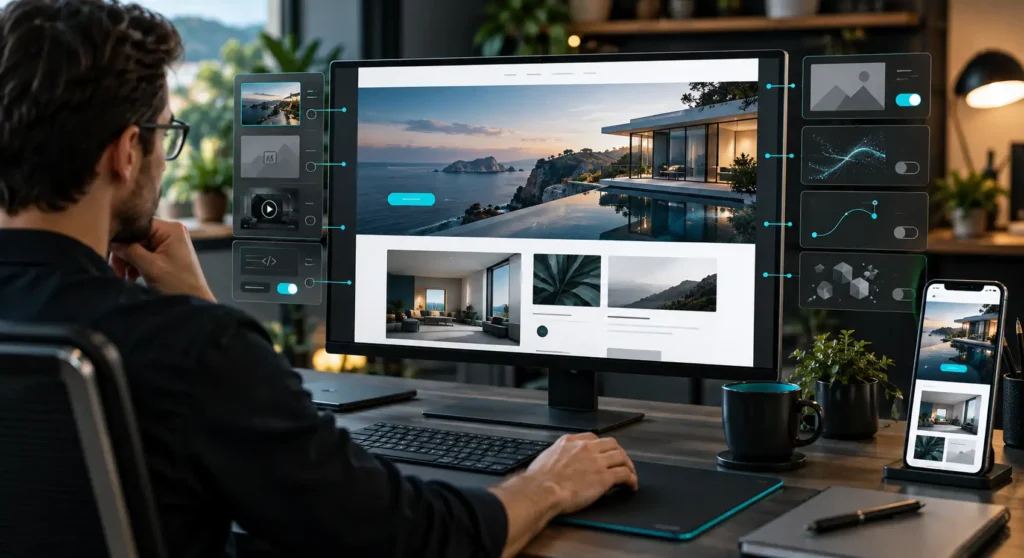
Website design decisions often overlap with broader questions about content, search visibility, business positioning and digital marketing.
LocalVitals publishes business-related material within its Business category and provides a Malaysia-focused directory and content publishing platform for businesses and marketing professionals.
Businesses can submit profiles and articles through the platform, subject to LocalVitals’ approval process.
LocalVitals checks that a business exists before approving a directory listing or blog submission, while approved business profiles may contain information such as contact details, locations, categories, maps and customer reviews where available.
For agencies managing multiple clients, accurate and consistent business information remains important when preparing listings or other local visibility assets.
LocalVitals should be considered one possible platform within a broader local visibility and content distribution strategy rather than a guaranteed source of rankings, backlinks, traffic or enquiries.
Conclusion
Website design trends are useful when they improve the way people understand, navigate and interact with a website.
They become less useful when they add complexity without helping the visitor complete a real task.
For agencies and marketing teams, the strongest approach is to evaluate each design direction against the client’s audience, business objective, accessibility needs, mobile experience, performance requirements and long-term maintainability.
AI-assisted personalisation, immersive interfaces, experimental navigation, motion, human-centred visuals, accessibility, performance-conscious design and responsive experiences can all influence UX.
None should be adopted simply because they are fashionable.
A practical design decision should always answer one question: does this make the website easier, clearer or more useful for the intended user?
Related article
Plan Website Ideas Before Moving Into Design
If you are preparing a website concept, redesign brief or client discussion, the Web Design Prompt can help structure your initial ideas and design requirements.
Use it as a planning aid rather than as a substitute for UX research, accessibility review, technical testing or professional design judgement.
Frequently Asked Questions
What website design trends can improve the mobile user experience?
Design approaches that prioritise clear navigation, readable content, practical button sizes, responsive layouts and reduced visual clutter can support a better mobile experience.
The important point is not whether a design is trendy, but whether it remains easy to use on smaller screens and touch-based interfaces.
How should digital marketing agencies evaluate new website design trends?
Start with the user task.
Agencies should consider whether the design helps visitors find information, understand the service, navigate the website or complete an intended action.
They should also review accessibility, mobile usability, performance, brand fit and maintainability before recommending implementation.
What are the pros and cons of AI-based website design tools?
AI-based tools can support ideation, content structuring, layout exploration and workflow efficiency.
However, generated outputs still need human review.
Brand context, accessibility, user needs, technical requirements and factual accuracy may not be handled adequately without professional oversight.
How does accessibility-focused design affect website usability?
Accessibility-focused design encourages clearer navigation, readable content, understandable controls and interfaces that work for users with different needs and interaction methods.
These practices can make a website easier to use more broadly, but any formal claim about accessibility compliance or legal requirements should be supported by approved sources and appropriate expert review before publication.